Skip to content
Browse all functions

Generate a QR Code with Custom Colors

images/generateqrcode

generateqrcode (Generate a QR Code with Custom Colors) is a 1001fx API function in the group Images: POST https://api.1001fx.com/images/generateqrcode, 3 credits per call. It works as a ready-made module in Make and n8n or as a plain HTTP call.

3 credits per callHTTP APIn8nMake

Generates a QR code image from a text or URL, with your own text and background color, width and error correction level.

Try it in the 1001fx app

Run generateqrcode in your browser with your API key – fill the form, click Run and get the answer or the file.

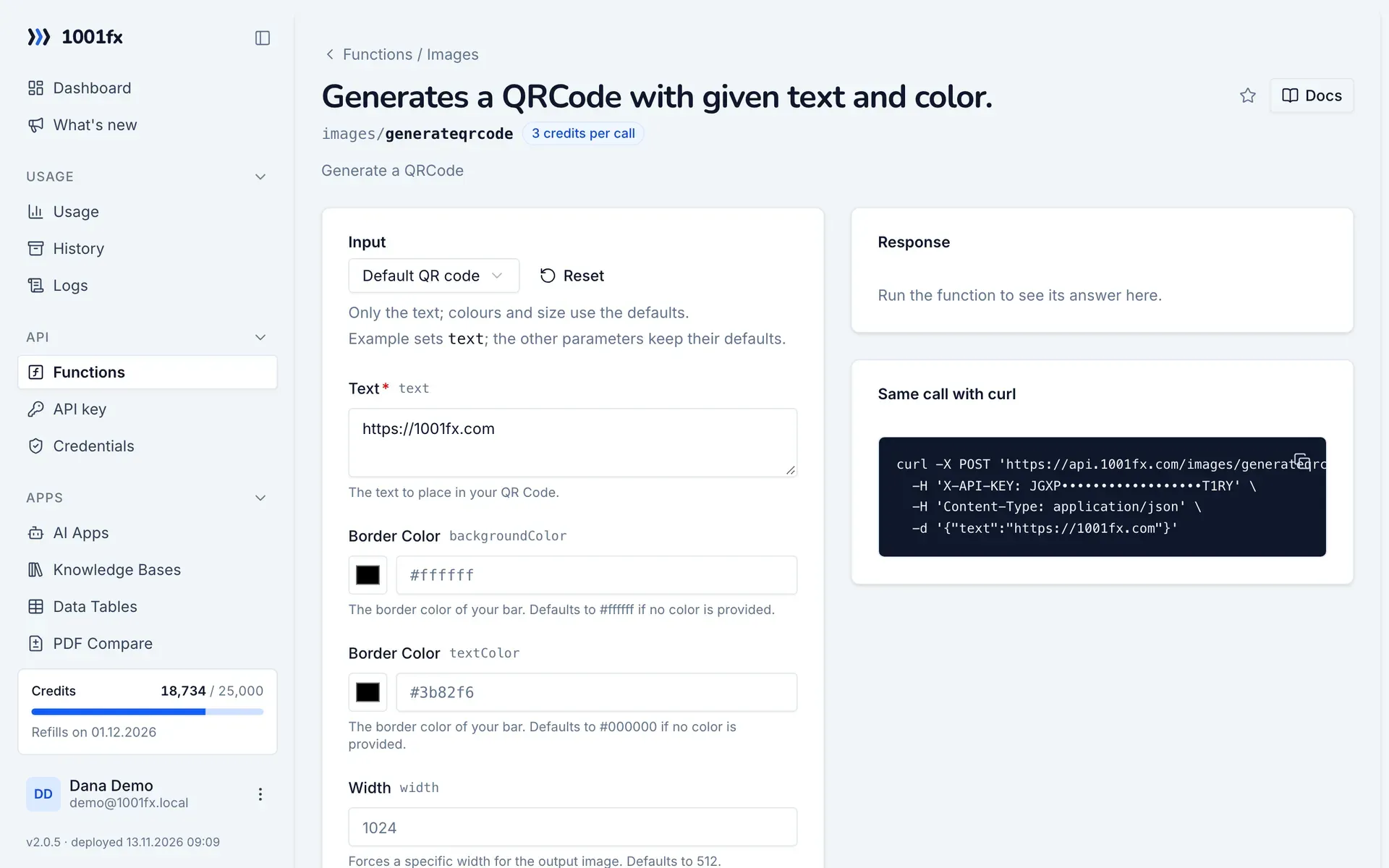
generateqrcode in the 1001fx app: the form with example values
Generate a QR Code with Custom Colors in the 1001fx app

Endpoint

POSThttps://api.1001fx.com/images/generateqrcode
Header
X-API-KEY: YOURSECRETAPIKEY How to
Content type
application/json

Parameters

  • textstringrequired

    The text to place in your QR Code.

    Example:
    https://1001fx.com
  • backgroundColorstring (HEX Color)optional

    The border color of your bar. Defaults to #ffffff if no color is provided.

    Example:
    #ffffff
  • textColorstring (HEX Color)optional

    The border color of your bar. Defaults to #000000 if no color is provided.

    Example:
    #3b82f6
  • widthnumberoptional

    Forces a specific width for the output image. Defaults to 512.

    Max:
    4096
    Example:
    1024
  • errorCorrectionLevelenumoptional

    Error correction capability allows to successfully scan a QR Code even if the symbol is dirty or damaged. Higher levels offer a better error resistance but reduce the code's capacity. Defaults to M.

    Values:
    M
    L
    Q
    H
    Default:
    M
    Example:
    M

Examples

Default QR code

Only the text; colours and size use the defaults.

Input

Expects a text
{
  "text": "https://1001fx.com"
}

Output · HTTP 200

Result is a single file.
{
  "statusCode": 200,
  "headers": {
    "content-type": "image/png"
  }
}
Show curl command
curl -X POST 'https://api.1001fx.com/images/generateqrcode' \
  -H 'X-API-KEY: YOURSECRETAPIKEY' \
  -H 'Content-Type: application/json' \
  -d '{"text":"https://1001fx.com"}'

Custom colours and size

Sets background colour, text colour, width and the other options.

Input

Expects a text
{
  "text": "https://1001fx.com",
  "backgroundColor": "#ffffff",
  "textColor": "#3b82f6",
  "width": 256,
  "errorCorrectionLevel": "Q"
}

Output · HTTP 200

Result is a single file.
{
  "statusCode": 200,
  "headers": {
    "content-type": "image/png"
  }
}
Show curl command
curl -X POST 'https://api.1001fx.com/images/generateqrcode' \
  -H 'X-API-KEY: YOURSECRETAPIKEY' \
  -H 'Content-Type: application/json' \
  -d '{"text":"https://1001fx.com","backgroundColor":"#ffffff","textColor":"#3b82f6","width":256,"errorCorrectionLevel":"Q"}'

Try generateqrcode now

Run it in your browser or create a free account and get 100 credits every month.

Changelog

  • 1.0.003.04.2023created
Ask 1001fx