Skip to content
Browse all functions

Extract Audio from Video

audiovideo/extractaudio

extractaudio (Extract Audio from Video) is a 1001fx API function in the group Audio & video: POST https://api.1001fx.com/audiovideo/extractaudio, 3 credits per minute (minimum 3). It works as a ready-made module in Make and n8n or as a plain HTTP call.

Extracts the audio track from a video. The result is a URL to the MP3, available for 48 hours.

Try it in the 1001fx app

Run extractaudio in your browser with your API key – fill the form, click Run and get the answer or the file.

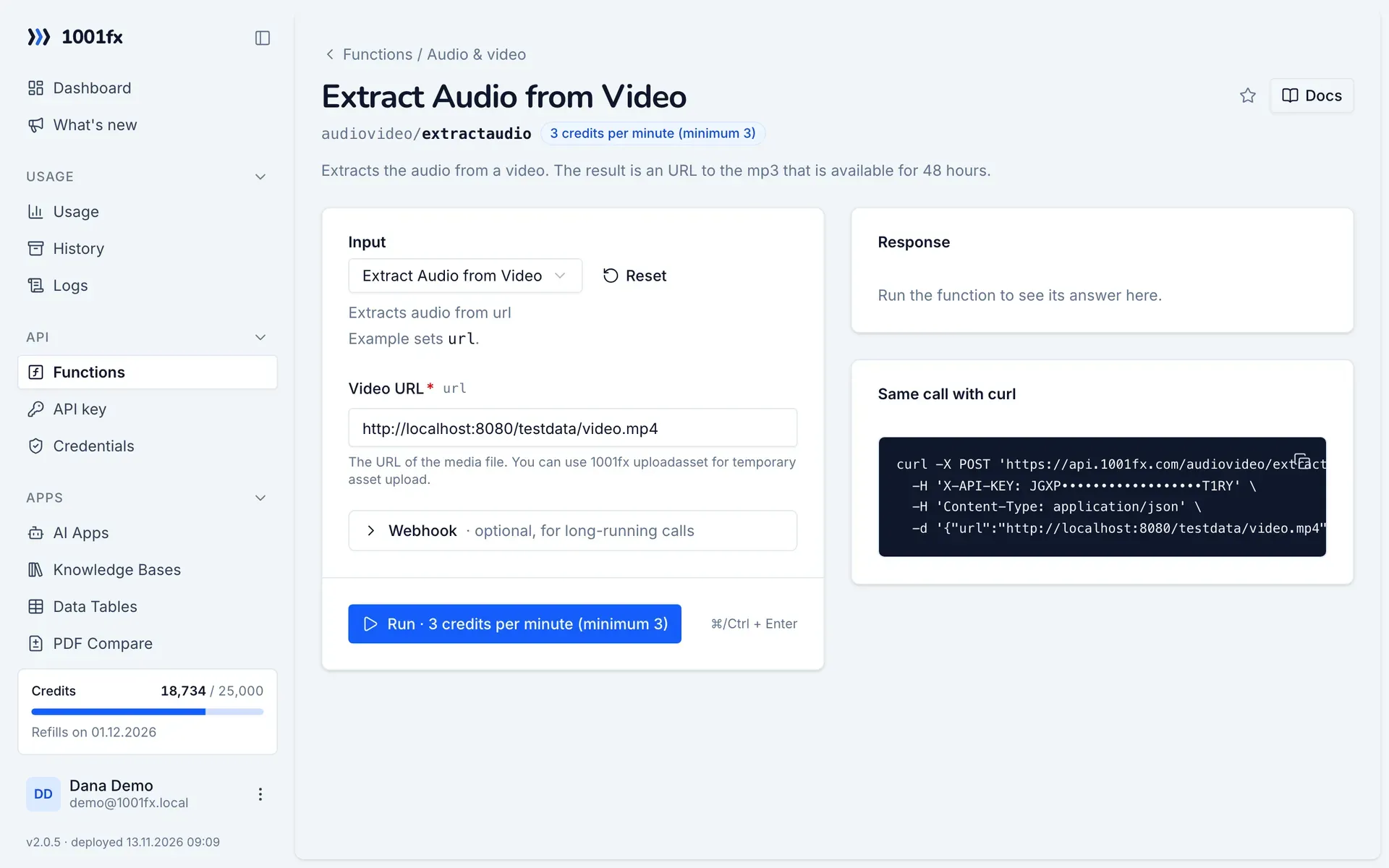
extractaudio in the 1001fx app: the form with example values
Extract Audio from Video in the 1001fx app

Endpoint

POSThttps://api.1001fx.com/audiovideo/extractaudio
Header
X-API-KEY: YOURSECRETAPIKEY How to
Content type
application/json

Parameters

  • urlstringrequired

    The URL of the media file. You can use 1001fx uploadasset for temporary asset upload.

    Example:
    https://api.1001fx.com/testdata/video.mp4

Examples

Extract Audio from Video

Extracts audio from url

Input

Expects a json body
{
  "url": "http://localhost:8080/testdata/video.mp4"
}

Output · HTTP 200

Result is a url to a file containing the audio.
{
  "statusCode": 200
}
Show curl command
curl -X POST 'https://api.1001fx.com/audiovideo/extractaudio' \
  -H 'X-API-KEY: YOURSECRETAPIKEY' \
  -H 'Content-Type: application/json' \
  -d '{"url":"http://localhost:8080/testdata/video.mp4"}'

Use cases

Try extractaudio now

Run it in your browser or create a free account and get 100 credits every month.

Changelog

  • 1.0.011.04.2023created
Ask 1001fx