Skip to content
Browse all functions

RAG – Semantic Search in Knowledge Base

rag/search

search (RAG – Semantic Search in Knowledge Base) is a 1001fx API function in the group Knowledge bases (RAG): POST https://api.1001fx.com/rag/search, 1 credit per call. It works as a ready-made module in Make or as a plain HTTP call.

Part of the app Knowledge Bases – Store documents and get AI answers with sources – no vector database, no AI account.

1 credit per callHTTP APIMake

Finds the passages that answer a query – by meaning and by exact words and codes (hybrid search) – optionally only in documents whose metadata match the filter. Returns the passages with document, title, source URL, metadata and score, e.g. for your own AI step. 1 credit per call.

  • This service is provided by an external service provider: Microsoft Azure OpenAI. The data of the call is sent to the provider. More about service providers

Try it in the 1001fx app

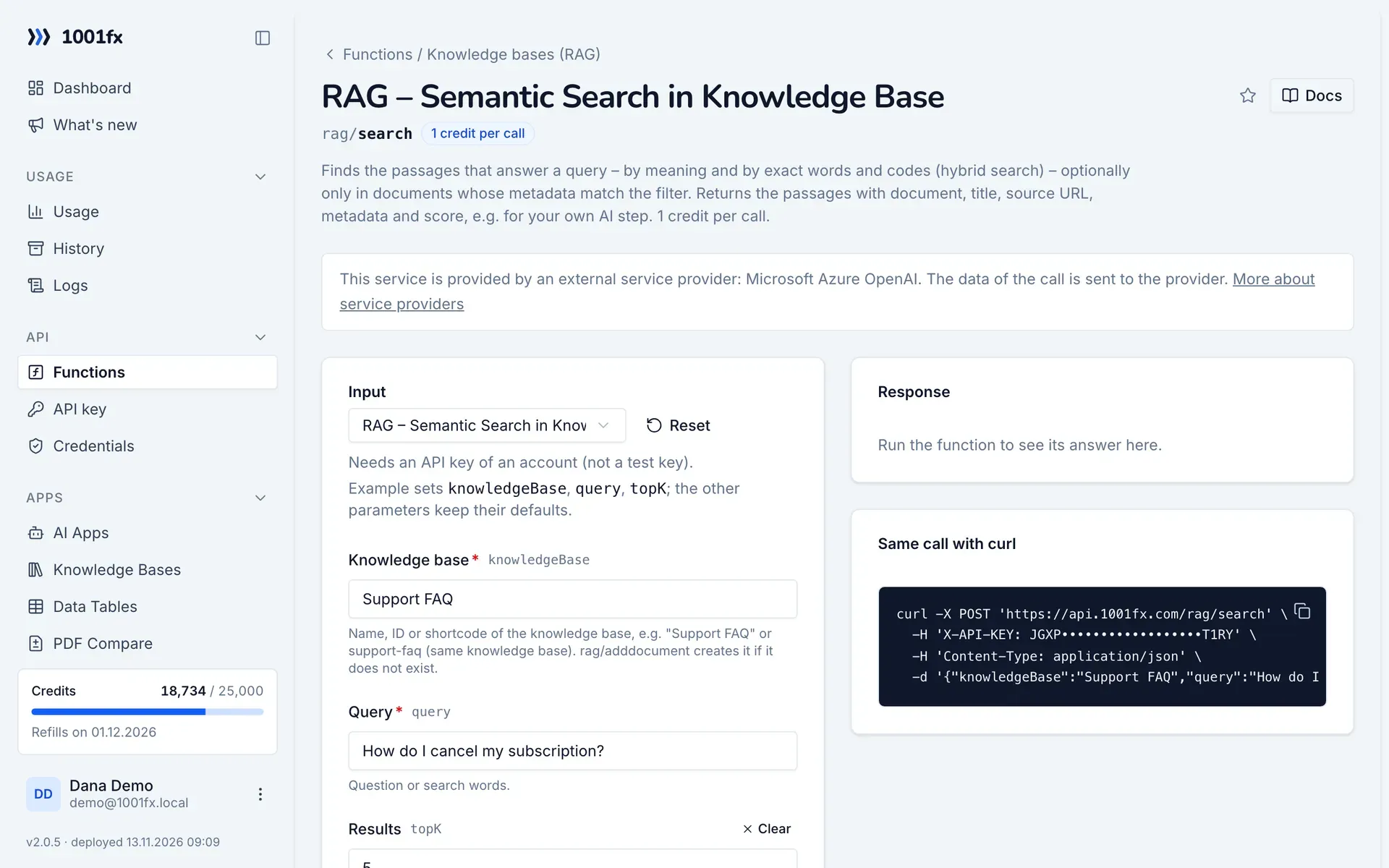
Run search in your browser with your API key – fill the form, click Run and get the answer or the file.

search in the 1001fx app: the form with example values
RAG – Semantic Search in Knowledge Base in the 1001fx app

Endpoint

POSThttps://api.1001fx.com/rag/search
Header
X-API-KEY: YOURSECRETAPIKEY How to
Content type
application/json

Parameters

  • knowledgeBasestringrequired

    Name, ID or shortcode of the knowledge base, e.g. "Support FAQ" or support-faq (same knowledge base). rag/adddocument creates it if it does not exist.

    Example:
    Support FAQ
  • querystringrequired

    Question or search words.

    Example:
    How do I cancel my subscription?
  • topKnumberoptional

    Number of passages, 1-50 (default 5).

    Default:
    5
    Min:
    1
    Max:
    50
  • minScorenumberoptional

    Leave out passages below this similarity (0-1); exact word and code matches always count.

    Min:
    0
    Max:
    1
  • filteranyoptional

    Only documents whose metadata match. Object {"department": "billing", "lastModified": {"$gte": "2026-01-01"}} (operators $eq $ne $in $nin $gt $gte $lt $lte $exists $contains, $and $or $not) or array [{"key", "operator", "value", "type"}] (all must match).

  • filterJsonstringoptional

    The filter as JSON text, e.g. for OR conditions from Make: {"$or": [{"department": "billing"}, {"department": "sales"}]}.

  • folderstringoptional

    Only documents in this folder and its subfolders, e.g. "guides". Path with slashes, up to 5 levels, "" = top level.

    Example:
    guides/setup

Examples

RAG – Semantic Search in Knowledge Base

Needs an API key of an account (not a test key).

Input

Expects a json body
{
  "knowledgeBase": "Support FAQ",
  "query": "How do I cancel my subscription?",
  "topK": 5
}

Output · HTTP 200

Response
{
  "statusCode": 200
}
Show curl command
curl -X POST 'https://api.1001fx.com/rag/search' \
  -H 'X-API-KEY: YOURSECRETAPIKEY' \
  -H 'Content-Type: application/json' \
  -d '{"knowledgeBase":"Support FAQ","query":"How do I cancel my subscription?","topK":5}'

Use cases

Try search now

Run it in your browser or create a free account and get 100 credits every month.

Changelog

  • 1.0.002.11.2026created
Ask 1001fx